School ERP Software in India: How to Choose the Right One in 2026
A practical guide for Indian school owners and principals: what school ERP software should do, the features that matter in India, how pricing works and the questions to ask before you buy.
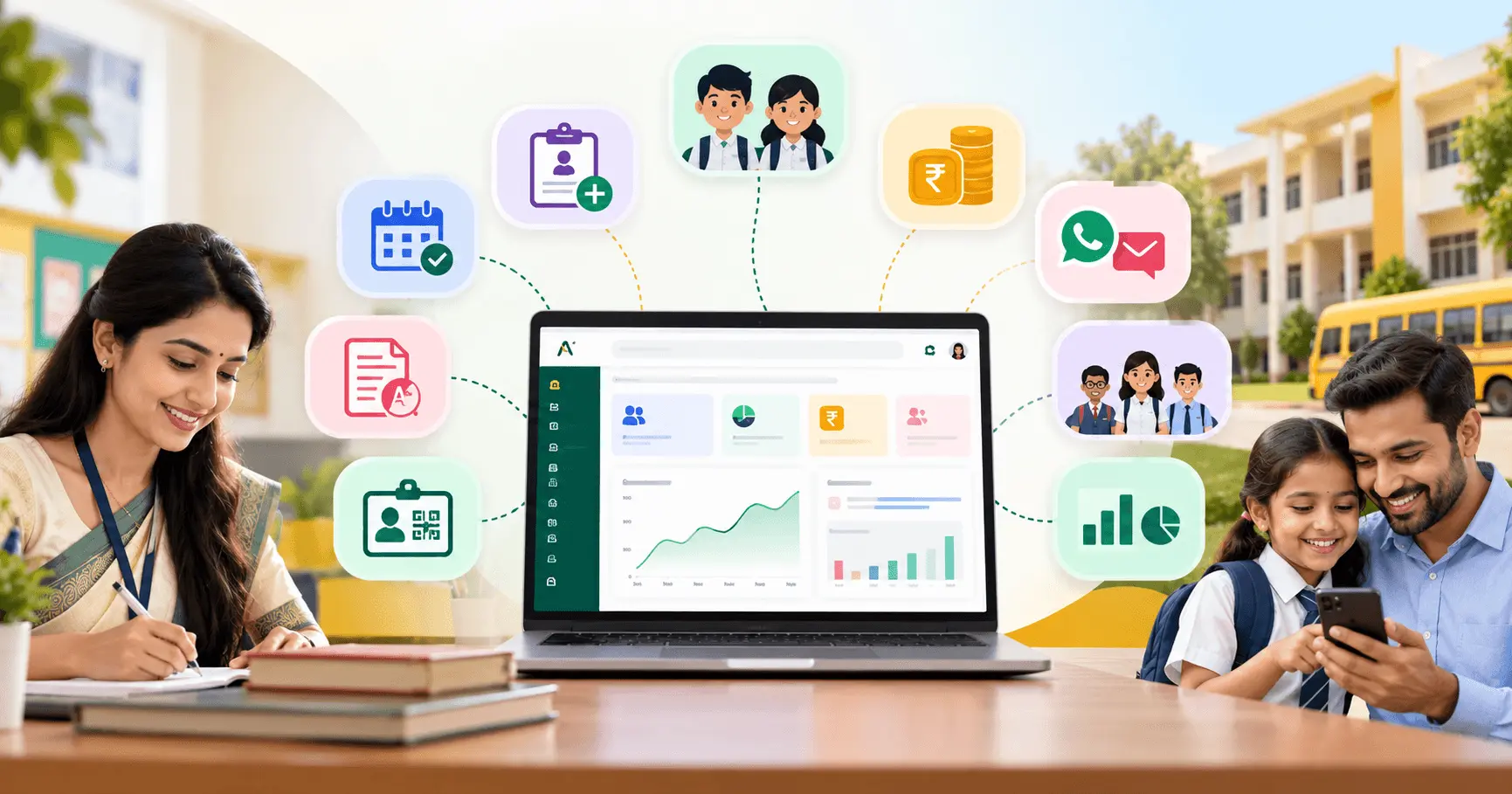
School ERP software is one web app that runs a school's daily work: student records, admissions, attendance, fees, parent communication, exams, ID cards and staff payroll. For Indian schools, the right ERP is the one that fits how your school already works: parents on WhatsApp, fees paid online and on cash, teachers on their phones and a team that does not have time for complicated software.
This guide explains what school ERP software in India should do, which features matter most, how pricing works and the questions to ask before you choose one.
What is school ERP software?
ERP stands for Enterprise Resource Planning. In a school, it means replacing registers, Excel sheets, separate fee software and scattered WhatsApp groups with one system where every department works from the same data.
When a student is admitted, the same record is used for their class, attendance, fees, exams, report card and ID card. Nobody types the same details twice, and the principal can see what is happening without asking five people.
Signs your school needs an ERP
- Fee records live in one register and attendance in another, and reconciling them takes days.
- Parents call the office to ask whether fees were received or why their child was marked absent.
- Report cards are typed manually at the end of every term.
- Admission enquiries are written on paper and follow-ups are missed.
- The owner or principal cannot see today's attendance or pending fees without asking someone.
- You run more than one branch and each one keeps its data differently.
Must-have modules in school ERP software
Most school ERPs list dozens of features. These are the modules that do the daily work:
| Module | What it should do |
|---|---|
| Students | Profiles, guardians, siblings, documents and promotion to the next class |
| Admissions | Online enquiry form, lead pipeline, follow-ups and one-click conversion to student |
| Attendance | Student and staff attendance from a phone, with absent alerts to parents |
| Fees | Fee structures, installments, concessions, online payment links, cash receipts and defaulter lists |
| Communication | WhatsApp, SMS and email with templates and delivery logs |
| Academics and exams | Classes, subjects, marks, report cards, timetable and homework |
| ID cards | Bulk printing with QR verification |
| Staff and payroll | Staff records, leave, salary register, payslips and statutory deductions |
| Dashboard and reports | KPIs, trends and reports you can export to Excel |
What matters specifically for schools in India
1. WhatsApp and SMS, not just a parent app
Many parents will not install or open another app. Check that the ERP can send absent alerts, fee reminders and circulars directly on WhatsApp and SMS, and that you can see delivery logs. Ask how messages are priced: some vendors charge separately for every SMS or WhatsApp message.
2. Online fee payments that reach your own account
Parents should be able to pay from a payment link on their phone, and each payment should be matched to the right student automatically. Confirm whether the money goes directly to your school's own payment gateway account or passes through the vendor first. You will still need cash entries and printed receipts for parents who pay at the counter.
3. Works on any phone, without installing anything
Teachers should be able to mark attendance from their own phone in the browser. A web app also means you do not have to manage app updates across dozens of staff devices.
4. Indian payroll and GST invoices
If you plan to run payroll in the ERP, check for PF, ESI and TDS support or a Tally export. For your own subscription, make sure the vendor issues GST invoices.
5. Multiple branches from one login
If you run or plan to open more than one campus, check that every branch can be managed from one account, with a branch switcher and shared reporting.
Should your school ERP have AI?
AI is useful when it saves your team time on real work, not when it is a chatbot added for marketing. Practical examples include asking questions about your school's data in plain English ("Which classes have the lowest attendance this month?"), a daily summary of what needs attention, alerts about students at risk of falling behind on attendance or fees, and help for teachers with quizzes.
Ask the vendor two questions: which plans include AI, and how AI usage is limited or priced. AI features usually consume credits, so the answer affects your monthly cost.
Read more in our guide to AI in school management.
How school ERP pricing works in India
School ERP vendors usually price in one of three ways:
- Per student: a fixed amount per student per month or year. Fair for small schools, but costs rise as you grow.
- Flat plans: a fixed monthly or yearly fee for a set of features and limits.
- Hybrid: a starting price or a per-student price, whichever is higher.
Before comparing prices, ask about the costs that are often left out of the headline number:
- One-time setup or onboarding fees
- WhatsApp and SMS message charges
- Storage limits for photos and documents
- Extra charges for additional branches
- Whether GST is included in the quoted price
Data security questions to ask
Your ERP will hold student records, parent phone numbers and financial data. Ask every vendor:
- Is our school's data isolated from other schools' data?
- How are student photos and documents stored, and who can open them?
- Can we create custom roles so teachers only see their own classes?
- Is two-factor sign-in available for admin accounts?
- Is there an audit log of who changed what, and when?
- Can we export our data if we leave?
Checklist: 10 questions before you buy
- Can we try it on our own school's data with a free trial?
- Can we import students and staff from Excel?
- Do parents need to install an app?
- Can parents pay fees online, and where does the money go?
- How many WhatsApp and SMS messages are included each month?
- Which features are on which plan, and what does AI cost?
- Is there a setup fee?
- How many branches does each plan include?
- How is our data secured?
- Is GST included, and will we get GST invoices?
How ApkaOS fits
ApkaOS is AI-first school management software built for Indian schools. It covers students, admissions, attendance, fees with Razorpay payment links, WhatsApp, SMS and email, exams and report cards, ID cards with QR verification, payroll and AI in one web app that works on any phone, tablet or computer.
| Plan | Price per month | Best for |
|---|---|---|
| Starter | ₹999 or ₹4 per student, whichever is higher | Small schools with a single campus |
| Growth | ₹2,499 or ₹7 per student, whichever is higher | Growing schools with 1–2 campuses, AI and payroll |
| Pro | ₹3,999 or ₹12 per student, whichever is higher | Large schools with up to 5 branches, predictions and automations |
| Enterprise | Custom | School chains, trusts and groups |
All prices exclude 18% GST. Every plan starts with a free trial and there is no setup fee. See the full comparison on the pricing page or explore every module on the features page.
Conclusion
The best school ERP software in India is not the one with the longest feature list. It is the one your teachers will actually use, that parents can reach on WhatsApp, that collects fees into your own account and that gives the principal a clear view of the school every morning. Shortlist two or three options, try each on your own data and use the checklist above to compare them.
Book a free demo to see how ApkaOS would work for your school.
Frequently asked questions
School ERP software is a single system that manages a school's daily work, including student records, admissions, attendance, fees, parent communication, exams, ID cards and staff payroll, so every department works from the same data.